
Facebook Cloning Explained: How Scammers Impersonate You and Target Your Friends
Your Facebook Profile Can Be Copied in Minutes! Here’s How to Lock It Down


Facebook cloning is still one of the most common and misunderstood social media scams. It doesn’t require hacking skills. It doesn’t involve breaking into your account. Instead, scammers exploit publicly visible information to impersonate you and trick your friends.
Below is a guide to how cloning works, why scammers do it, and the steps you can take to protect yourself.
What Is Facebook Cloning?
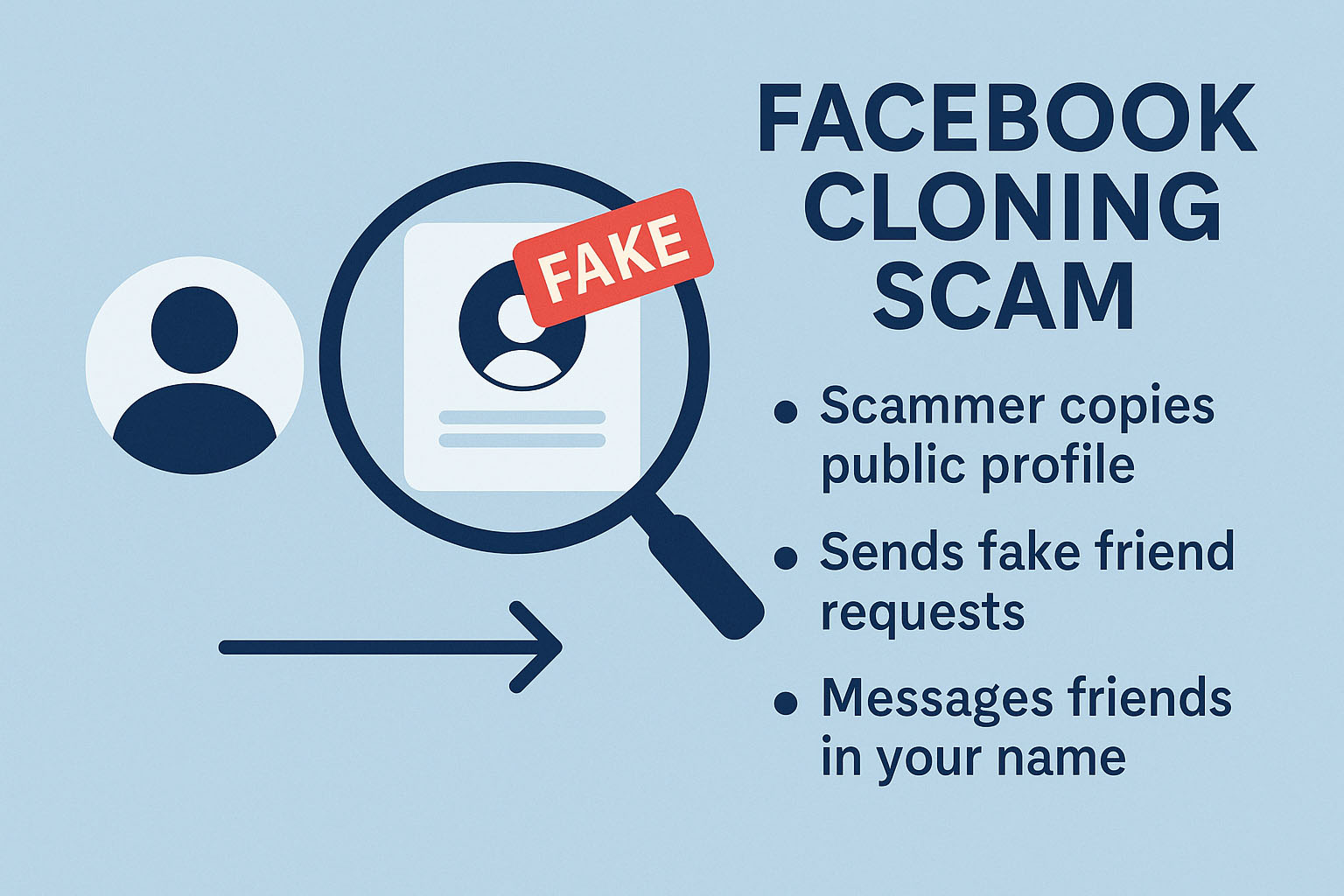
Facebook cloning happens when scammers:
Copy your profile photo, cover photo, bio, and other public details.
Create a new Facebook profile that looks just like yours.
Send friend requests to the people already connected to you.
Use the fake profile to scam your friends under your name.
A key point:
Facebook cloning is not the same as hacking.
Scammers do not access your real account and do not need your password. They simply copy what you display publicly.
This means anyone with an open or partially open profile is an easier target.
Why Do Scammers Clone Facebook Profiles?
Once the fake profile is set up, scammers exploit the trust people place in their friends and family.
They may:
Send new friend requests
Many people assume the “duplicate” request is a mistake or a reconnect.
Users with large friend lists may forget they were already connected.
Some users accept friend requests automatically.
Send scam messages in your name
Common scam angles include:
Advance-fee, “grant”, or “lottery” scams:
“I just received a payout. You can claim one too!”
The scammer then directs the victim to a fake grant program or prize.Emergency money requests:
“I’m overseas, and my wallet and passport were stolen! Can you help?” Victims send money because they believe their friend is in trouble.Phishing and info-harvesting:
Scammers build trust and ask seemingly harmless questions to gather personal and financial details.Spreading malware links:
Fake videos (“Is this you???”), supposed news stories, or investment links.
The more convincing the clone profile looks, the more successful these scams become. This is why restricting what strangers can see is critical.
How to Protect Yourself From Facebook Cloning
You can’t eliminate the risk entirely, but you can dramatically reduce it by tightening your privacy settings.
Below is a guide to achieving this. Note that these instructions are based on accessing your Facebook account via a laptop or desktop computer. Steps may be different if you are using a phone app. Also, Facebook seems to change where settings are located regularly, so you may need to dig around a bit.
1. Hide Your Friends List
This is the single most important defence against cloning.
If scammers cannot see your friends list, they cannot target them.
To hide your friends list (web browser instructions):
Click your profile photo (top right).
Select Settings & privacy → Settings.
Use the search bar to find “Who can see your friends list?”
Set this to Only me.
2. Run Facebook’s Privacy Checkup
Facebook’s built-in privacy tool lets you quickly adjust:
Who can see your posts
Who can see your profile information
App and website permissions
Access this via:
Settings & privacy → Privacy Checkup
Wherever possible, set visibility to:
Friends
Only me
Avoid “Public” unless absolutely necessary.
3. View Your Profile as the Public Sees It
This step helps you see what a scammer would see.
Go to your profile.
Click the down arrow next to Edit Profile and then click the three dots (…)
Select View As.
Check:
Photos
Friends
Posts
“About” section
Likes (books, movies, music, etc.)
If anything is visible that shouldn’t be, adjust its audience settings.
4. Lock Down Your Photos
Cloners often copy photos to make their fake profile look authentic.
You cannot hide:
Your current Profile Photo
Your current Cover Photo
Both are always public.
But you can restrict everything else:
Open the Photos tab.
Review your Albums.
For albums with an audience selector, set to Friends or Only me.
For Profile Pictures and Timeline Photos albums, adjust each photo individually.
5. Audit Your “About” Information
Scammers love personal trivia because it helps them look legitimate.
Review:
Work & education
Hometowns
Likes (books, movies, TV, music)
Family & relationships
Contact info
Hide or restrict anything you don’t want the public to see.
6. Use the “Lock Your Profile” Option
Click Profile Locking in the left panel in Settings. Click the Lock Your Profile button.
7. Recheck Your Public Profile
Once more, use View As to confirm:
Your friends list is hidden
Old photos aren’t exposed
Personal info isn’t publicly viewable
If anything still appears, revisit the relevant sections.
What To Do If Your Account Has Already Been Cloned
Act quickly:
1. Report the fake profile to Facebook
Use the profile’s menu → Report profile → Pretending to be me. (Facebook is appallingly bad at helping its users with such problems, so lower your expectations of getting any meaningful support.)
2. Notify your friends
Tell them:
There is a cloned account
Not to accept friend requests from the clone
Not to respond to messages from it
To report the fake as well (this might speed removal)
Many victims only discover cloning because a friend alerts them, so returning the favour helps.
What To Do If You Receive a Suspicious Friend Request
If someone you’re already friends with sends a new request:
Check your friends list. Are you still connected?
If yes, the new request is almost certainly a clone.
Contact your friend through Messenger or another channel.
Do not accept the duplicate request.
Encourage your friend to review their privacy settings.
Help Spread the Word
Cloning thrives because:
Many Facebook profiles are wide open
People don’t understand the scam
Friend requests are accepted too easily
Privacy settings are often ignored
You can help by:
Explaining how the scam works
Encouraging friends to hide their friends lists
Sharing this guide
Helping less-tech-savvy friends adjust their settings
The more awareness there is, the harder it becomes for scammers to operate.
Thanks, Brett. Sharing.