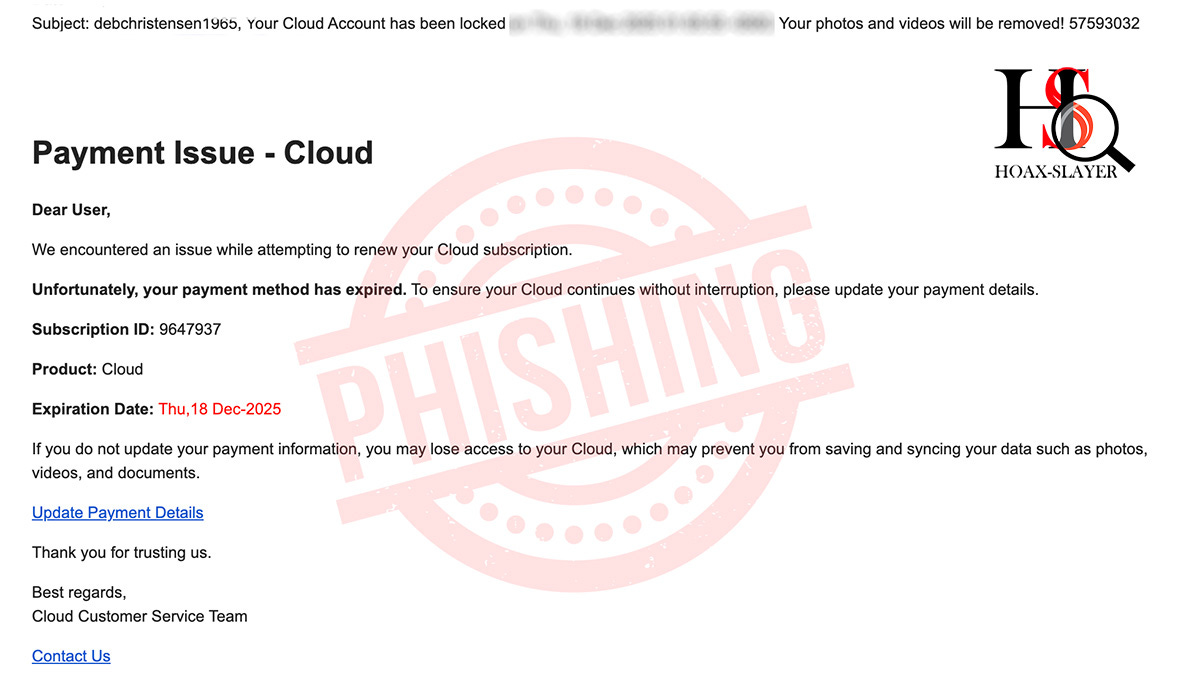
"Your Cloud Account Has Been Locked" Payment Emails Are a Scam”
The "Update Payment or Lose Your Photos" Cloud Scam Explained

tl;dr
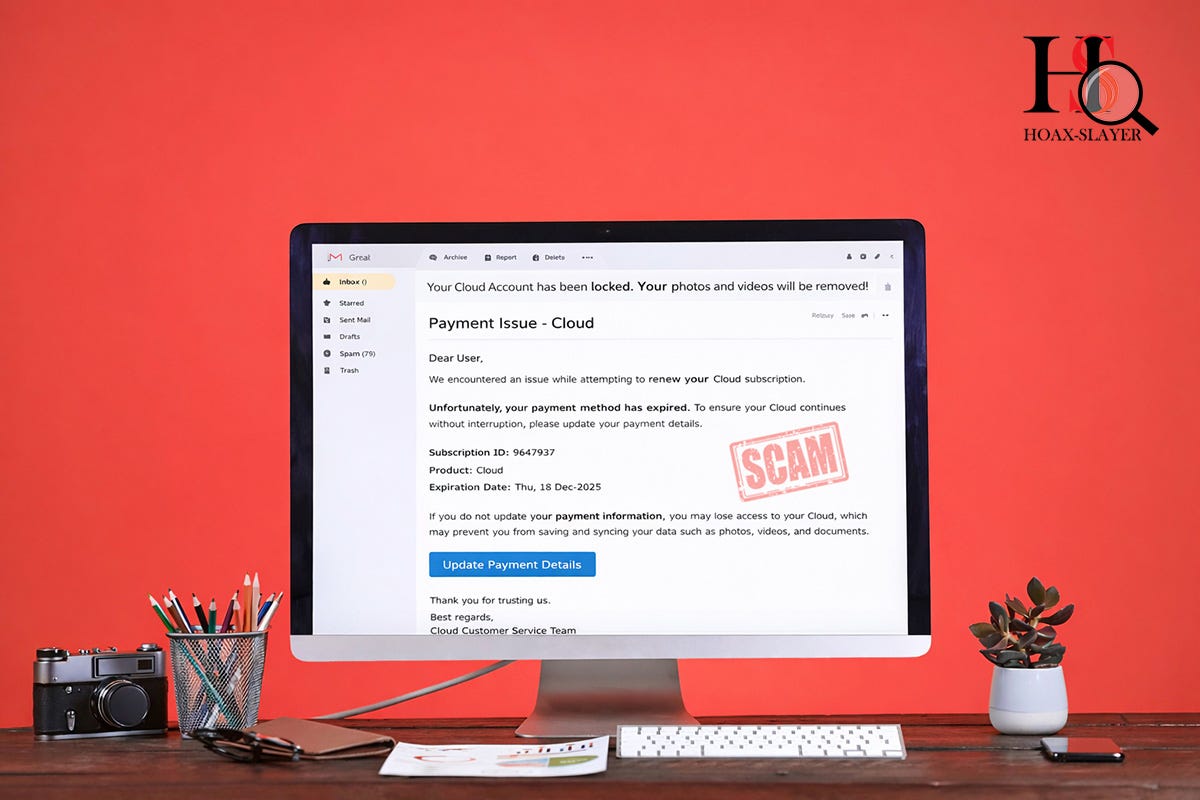
Emails claiming your “Cloud” account is locked due to a payment issue are scams.
They don’t name a real company, create false urgency, and link to fake payment pages designed to steal your details. Delete the email and do not click anything.
Overview
Scammers are sending out phishing emails that falsely claim your “Cloud Account” has been locked due to an expired payment method. The messages warn that your photos, videos, and other files will be deleted unless you urgently update your billing details.
These emails are not genuine. They are designed to steal your credit card details and personal information.
How the Scam Email Works
The scam message typically claims that:
Your Cloud subscription could not be renewed
Your payment method has expired
Your photos and videos will be removed
You must click a link to “Update Payment Details”
The provided link leads to a fraudulent website that asks for:
Credit or debit card numbers
Expiry dates and CVV codes
Personal information that can be used for identity theft
Once submitted, this information is collected by criminals and can be used for fraudulent transactions or sold to other scammers.
A Key Red Flag: “The Cloud” With No Company Name
One of the most obvious warning signs is the deliberate lack of detail.
Legitimate cloud services always identify themselves clearly. This scam does not.
Instead, it uses vague wording such as:
“Cloud”
“Your Cloud subscription”
“Cloud Customer Service Team”
It never states which company is supposedly providing this service.
Scammers do this to:
Make the email seem relevant to users of any cloud service
Avoid obvious brand inconsistencies
Increase the chance that recipients will panic and click
Other Warning Signs to Watch For
In addition to the vague branding, these scam emails often include:
Urgent threats of data loss or account deletion
Generic greetings like “Dear User”
Suspicious links that do not point to a known company website
Poor formatting or odd phrasing
Fake details such as made-up subscription IDs and expiry dates
Legitimate companies do not threaten immediate deletion of your files via unsolicited emails.
What To Do If You Receive This Email
If you receive one of these messages:
Do not click any links or buttons
Do not provide payment or personal information
Delete the email or mark it as spam
If you are genuinely concerned about a cloud account:
Open a new browser tab
Visit the official website of your actual cloud provider
Log in directly and check your account status
Never use links supplied in unsolicited emails.
Conclusion
Scammers rely on fear and confusion, and these vague “Cloud account” warnings are a perfect example. By avoiding specific company names, criminals cast a wide net and hope recipients will assume the message applies to them.
If an email can’t clearly tell you who it’s from, it’s almost certainly not legitimate.
This email includes the rather ironic statement “Thank you for trusting us”. Yeah, no, DON’T do that. 😁
Stay cautious, and when in doubt, don’t click
A screenshot of the scam email: